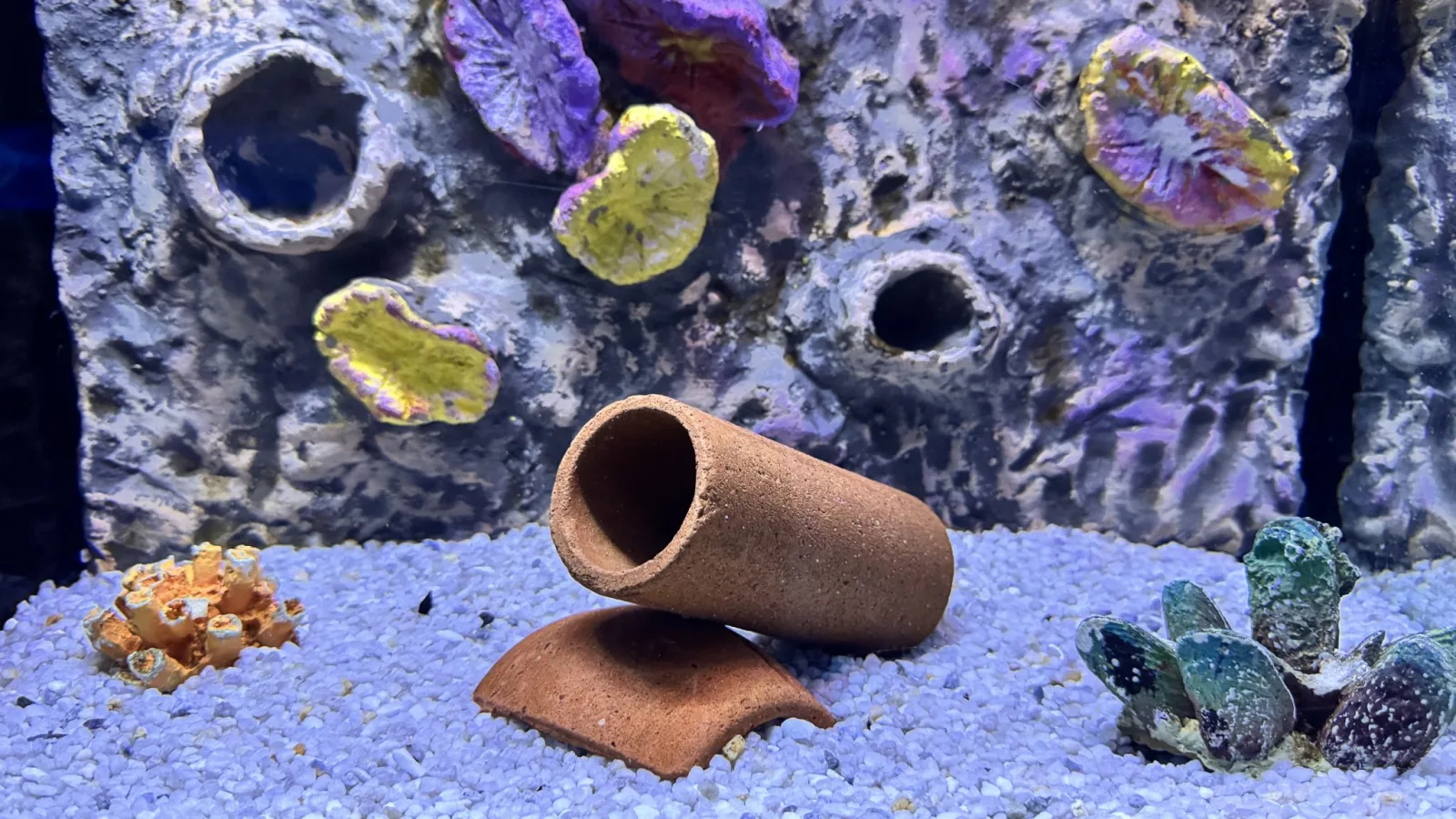
A recent announcement has left Roku users taken aback: the beloved Aquatic Life screensaver, known for its soothing visuals of tropical fish, will no longer be offered starting December 1, 2026. This screensaver has been a staple for many viewers, providing a tranquil backdrop during idle TV moments.
Transition Details
Users who have set the Aquatic Life screensaver as their default have started receiving notifications about the upcoming change. The message indicates that upon the screensaver's retirement, devices will automatically switch to the Roku City screensaver. This has sparked disappointment among the screen's loyal fans, many of whom are expressing their concerns on platforms like Reddit.
Roku has acknowledged the outcry, noting that the Aquatic Life screensaver has garnered a dedicated fan base and that user feedback is being considered.
How to Keep the Aquatic Life Experience
For those who wish to retain a bit of the Aquatic Life magic, there are several workaround options. One creative solution is to access the two-minute Aquatic Life video available on Roku's YouTube channel. By creating a playlist of this video and setting it to loop, viewers can enjoy the serene fish swimming across their screens whenever they like.
To implement this, simply navigate to the YouTube app on Roku, find the video, and set it to repeat within a personalized playlist.
Alternative Aquarium Screensavers
If that doesn't appeal to you, there are countless aquarium display videos available on YouTube. Just search for 'aquarium screensaver' and you'll find a variety of continuous loop videos that replicate the calming ambiance of Aquatic Life.
In addition, the Roku platform features a selection of aquarium-themed apps. While these may not mimic the exact appearance of the Aquatic Life screensaver, many offer captivating aquatic visuals. Be aware that some of these apps might include ads prior to displaying the content.
For users who are interested in viewing aquatic scenes on their personal devices, the SereneScreen application, originally created for computers and smartphones, can also be downloaded.
Final Thoughts
Though the news about the Aquatic Life screensaver is disappointing for many Roku users, several fantastic alternatives can help recreate a similar serene atmosphere at home. Whether it's through looping YouTube playlists, dedicated aquarium apps, or the SereneScreen program, there's still a way to immerse your space in a calming oceanic environment.
Tag: Award Redemptions